

EN
Login

For parents

Your child's club information is all in one place. From registration to payments, you can access everything quickly and easily through Edufy.

Quick registration

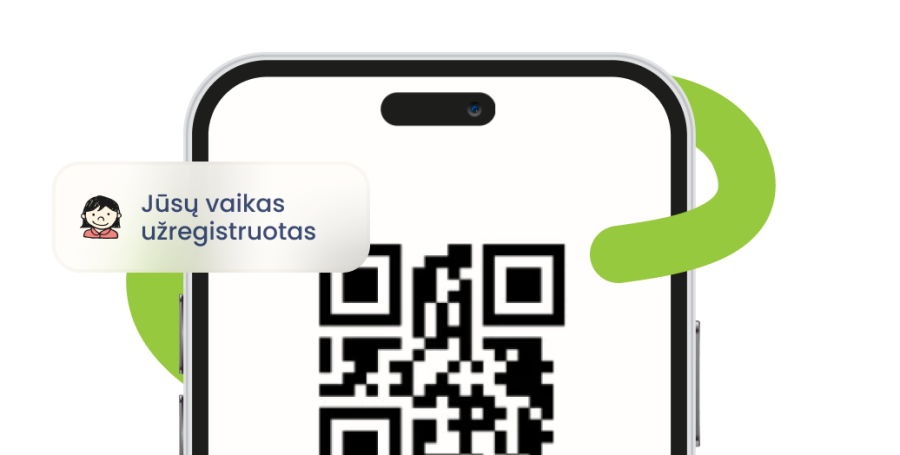
Register your child for the desired clubs or activities with just a few clicks.
Everything in one place

Schedules, contacts, contracts, invoices – everything is easily accessible at any time.
Secure payments

All payments and invoices are accessible through any device browser.

Direct contact with educators

Simple communication regarding attendance, questions, or other information.

No paper forms

Registration, consents, contracts โ€“ everything is digital and convenient.

How to use โ€žEdufyโ€?

Illustration

Get a link

The educational institution will send you a registration link via email, QR code, etc.

Illustration

Open an account

Click on the link and register your child for educational activities

Illustration

Use it

See schedules, payments, messages and all important information

Useful information

See all See all

FAQ

Why do I need an Edufy account?

Your non-formal education service provider uses the Edufy platform to manage services. With your account, you will be able to:

๐Ÿ‘‰ register yourself or your minor child for various activities
๐Ÿ“… track attendance and view lesson information
๐Ÿ’ณ view and pay service invoices
๐Ÿ”” receive important notifications from the service provider
โœ… manage consents and permissions
๐Ÿ“„ view, sign and upload required documents

How do I register my child for activities?

Usually, the service provider will share a registration link or QR code with you. After opening the link (or scanning the QR code), you will see a registration form in your web browser.

After completing and submitting the registration:

  • the information will be sent to the service providerโ€™s administration;
  • an Edufy account will be created using the email address you provided.

How do I register a second or additional child for activities?

One registration form can be used to register one child.

If you want to register several children, complete the registration form separately for each child.

Donโ€™t worry โ€” duplicate registrations will not be created. The system recognizes already submitted registrations.

What should I do if I cannot log in to my account?

First, check that you have entered the correct email address and password. Make sure you are using the same email address that you provided during registration.

If you do not remember your password:

  • Select โ€œForgot your password?โ€ in the login window;
  • Follow the instructions provided;
  • A password reset link will be sent to your email address.

If you do not receive the email, check your Spam/Junk and Promotions folders.

Also make sure that you are trying to log in using the email address associated with your Edufy account.

How do I reset my password?

Click โ€œLog inโ€ in the upper-right corner of the screen.

In the opened window, select โ€œForgot your password?โ€ and follow the instructions provided.

A password reset link will be sent to your email address. If you do not receive the email, check your Spam/Junk and Promotions folders.

Where can I find and pay the service providerโ€™s invoice?

Invoices are sent to the email address you provided during registration.

You can also find them after logging in to Edufy:

โ€œInvoicesโ€ โ†’ select the required invoice.ย In the invoice preview window, you can:

๐Ÿ“„ review invoice details;
๐Ÿ“ฅ download the invoice;
๐Ÿ’ณ initiate payment through your selected bank.

How can I inform the service provider that my child will not attend?

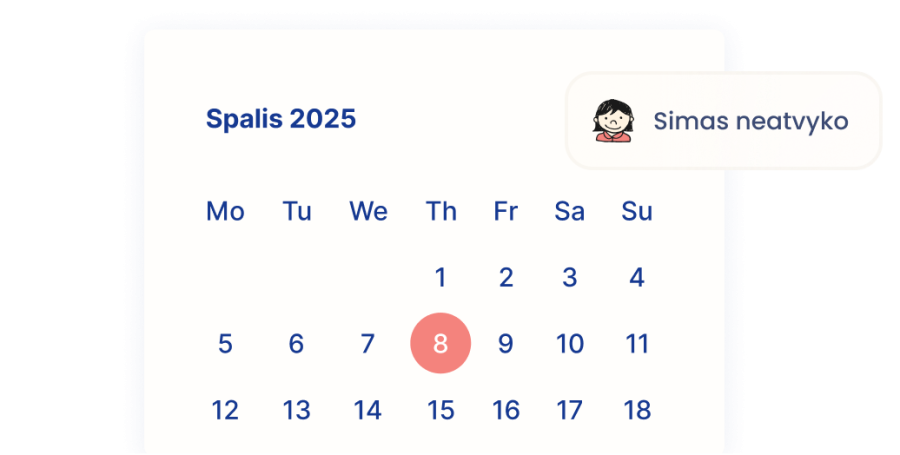
Please inform the service provider about your childโ€™s absence using the communication method agreed with the organization (for example, by phone, email, or another channel).

Currently, it is not possible to report absence through the Edufy system.

How do I upload a document?

Log in to Edufy and follow these steps:

โ€œAttendance groupsโ€ โ†’ select the required group โ†’ โ€œDocumentsโ€ โ†’ โ€œUpload newโ€.

Then follow the instructions displayed on the screen.

How do I add another parent to my account?

Log in to Edufy and select:

โ€œProfileโ€ โ†’ โ€œAdditional email addressโ€.

Enter the other parentโ€™s email address and click โ€œUpdateโ€.

Thatโ€™s it! From now on, the additional email address will receive the same notifications as the main account user.

How can I contact the organization?

After logging in to Edufy, select:

โ€œAttendance groupsโ€ โ†’ choose the required group โ†’ โ€œContactsโ€.

You can then select:

  • Administrator, or
  • Trainer / Teacher.

After selecting a contact, you will see the relevant contact information of the service providerโ€™s representative (phone number and/or email address).